Creator Studio
Viewing the Studio as . Read only: nothing can be changed.
MicroMedia.ai Creator Studio

Creator Studio

A film crew of AI agents. You direct.

The Studio writes, draws, voices, scores, edits and posts your series, a new episode every day. Nothing goes out until you approve it.

·

Watch Dreamless

Invite only for now. Want in? Write to contact@plantagoai.com

Made in the Studio
28 episodes in Season 1 1 new episode a day 3 platforms, posted automatically 0 actors or voice actors

From idea to audience

Every step of a series, in one place

Write

Scripts, a story bible and continuity checks, in your series' voice.

Draw and animate

Frames and motion in one consistent look, shot by shot.

Voice and score

Character voices, narration and an original score for every episode.

Edit and review

Subtitles and cuts, an editor pass, then your approval or your reviewers'.

Post everywhere

YouTube, X and TikTok on a daily schedule, each episode linked to the last.

Measure and grow

Views, followers and spend in one dashboard, plus outreach to festivals and press.

Animation styles

One studio, many looks

Pick a look for each series. The agents hold it in every frame, episode after episode. These clips are straight from our own series.

Anime film

Dreamless: The Hush On YouTube

Hand-drawn 2D look, painted backgrounds, soft cel shading.

Clay stop motion

Pebble & Wick Pilot

Sculpted puppets on miniature sets, animated on twos.

Paper cut-out

The Paper Post Pilot

Layered card and paper, real texture and soft shadows.

Also in the Studio: Felt and wool · Watercolour · Toy 3D · Painterly 3D

Made here

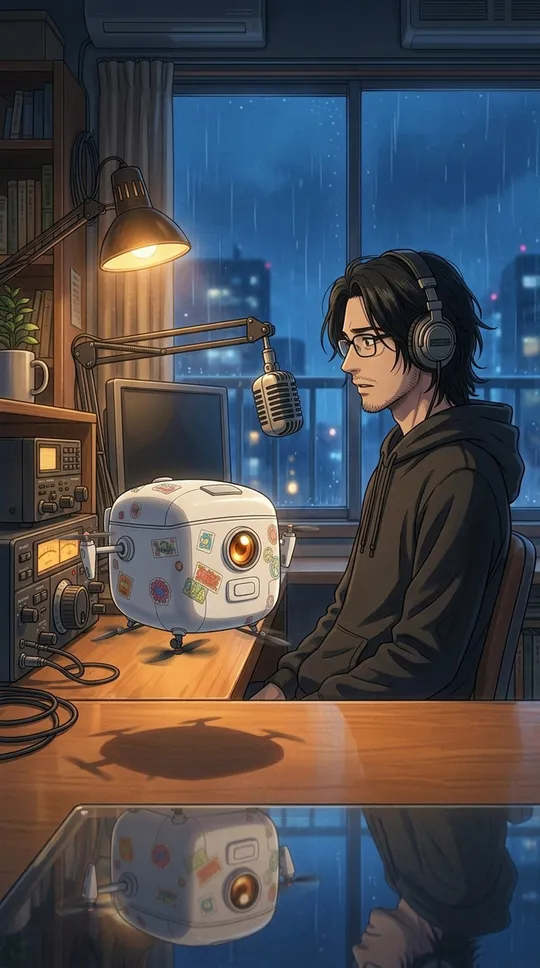
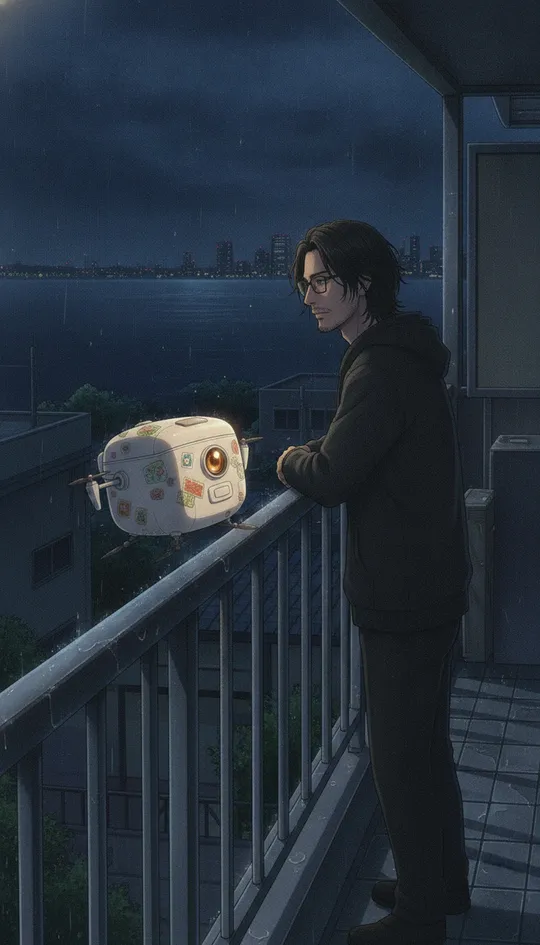
Dreamless: The Hush

A fully AI-animated micro series about the few people left awake after the world falls asleep. One minute a day, each episode ending on a haiku.
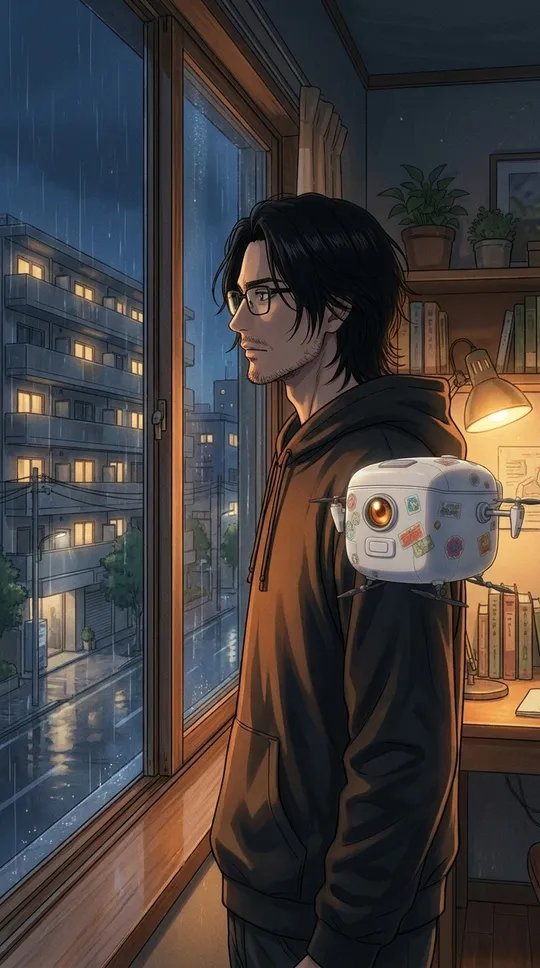
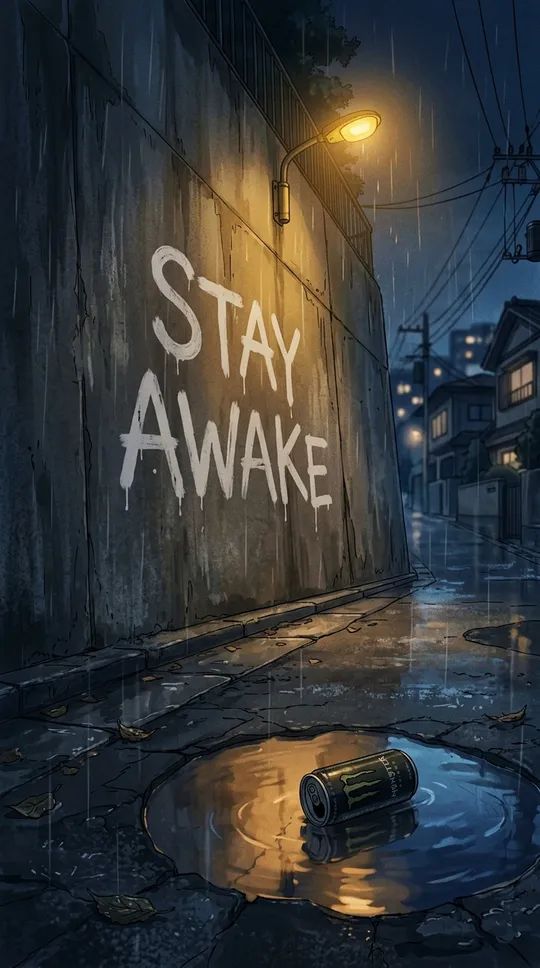
Kai and Tofu the robot at a rainy window STAY AWAKE painted on a wall in a rainy alley A woman asleep, floating in teal water Kai at a radio desk at night Kai on a balcony over the dark city Mrs. Sato asleep in her garden

How it works

You set the world. The agents do the rest.

  1. 1

    Set the world

    Your idea, characters, style and season plan.

  2. 2

    Agents make it

    Each episode is written, drawn, voiced, scored and edited.

  3. 3

    You approve

    Watch it, ask for changes, or approve it.

  4. 4

    It goes out

    Posted on schedule, then measured, so the next one does better.

  • Many brands, one studio
  • Roles for your team and reviewers
  • A monthly budget you set
  • Connects to Claude

Have an invite?

No invite yet? Tell us about your series at contact@plantagoai.com

© MicroMedia.aiHomePrivacyTerms

Welcome to the Creator Studio

Before you start, please read and accept our terms.

  • Terms of ServiceVersion
  • Privacy PolicyOpens in a new tab

Signed in as ·

Also on GitHub

Library

Media and copy

Every image and video for this brand, with its tags and the copy for each platform and language. Filter or group by tag.

Your films and pictures. Open one to watch it, rename it or download it.

Drop files to upload

Season 1 episodes

Campaigns

Campaigns

Each campaign is dated and grouped by month. Auto posts go out through Zernio; by-hand posts get a checklist.

New campaign

Draft with AI

Products to feature

Claude writes it in the brand's voice. You still review and save it.

Media (pick from the library; attach these when you post)
Platforms

Inbox

Comments and messages

What people write under the posts and in DMs. Claude can draft a reply; nothing is sent until you press Send or Approve. Israel time.

Usage

What each action cost

Every script, render, cut, promo video, AI draft and boost, with what it cost. Times in Israel time.

Money

Where the money stands

What's left, what running jobs have committed, where it went in the last 30 days, and what month-end looks like. Owners only. Israel time.

Visits

Who visits the sites

micromedia-ai.com and dreamless.micromedia-ai.com: visitors, where they come from, what they watch and where they go next.

Insights

What is working

Audience, traffic, media performance, approvals and costs, plus the analyst's weekly reports.

    Pick a report.

    Ops

    Is everything working?

    Every part the Studio runs on, its errors and their fixes. Israel time.

    Parts

      Errors

      Alerts and digest

      System

      How it all runs

      Every part of the pipeline and the flow between them. Stages light up while a run is going; tap one to see what it does and what it last did.

      Audit log who used the Studio connector or changed the Library, when, and what they did
      StorageWhat the Studio keeps, by kind, and what it costs a month
      Flow

      Episodes

      Pick an episode, say what to do, then approve the script and the video.

      1. 1. EpisodeRemake it, change a few things, or write a new one
      2. 2. Script and shotsRead it, see key frames, approve or ask for changes
      3. 3. VideoWatch the render, approve or ask for changes

      Season 1

      3. Videos to review

      Recent runs
        Series

        Bible and style guide

        What the series is, and how every episode looks, sounds and moves. The writer follows both on every script.

        Festivals

        Festivals and press

        Festivals, press, podcasts and communities: what to send each one, and every interaction with them. Emails go only when you press Send.

        Promotions

        Promotions

        Pay to show a post that's already live to more people. Nothing spends until you press Launch and type the total.

        Log a promotion run elsewhere

        Nothing is sent to the platform. It counts at its full budget until you type what it spent.

        New promotion

        Platforms (tick several to boost on each)
        The posts to boost
        The product
        Ad text
        Countries

        Saving makes a draft; it doesn't spend anything. You launch it from the list.

        Calendar

        This week

        Everything planned and everything done. Times are Israel time.

        Settings

        Settings

        Simple choices first. Files and every option are under "Edit settings files".

        Brand look

        Logo

        A square image (PNG, JPG or SVG). It shows in the menu, the brand switcher and the banner.

        Banner

        A wide image, about 1600 × 400. It runs across the top of every page for this brand.

        Connected sites

        The brand's websites. The first is the main one: it shows under the brand's name and is the default link in posts and ads. A site's data bricks are the ones that read numbers from it.

          Usage markup all brands

          • %

          Budget

          • $
          • $

          Flow all brands

          • Episodes tabBrands that make their episodes in one Episodes tab (Guided and Director) instead of the Pilot tab. Each brand's people see it the next time they open the Studio; take a brand off to give it its Pilot tab back. Dreamless keeps its Flow for now.
          • Section orderThe order of the sections on the Flow page, top to bottom

            Appearance

            View the Studio as
            Only for you, to see what a person at that level sees.
            View as a personSee the Studio exactly as they do: their brands, tabs, level and permissions. Read only, only in this browser tab, and logged under Visits.
            Light or dark

            Saved for you on this device. Each brand can keep its own theme.

            Episodes (Dreamless)

            Budget

            • $
            • $

            Daily episode (Dreamless)

            Daily auto-post (Dreamless)

            Automatic jobs (Dreamless)

            What runs by itself

            Every timed job, when it runs (Israel time), its last run and what it cost. Run now starts it once, whatever its timer says.

              Tools (Dreamless)

                Edit settings files all brands
                History